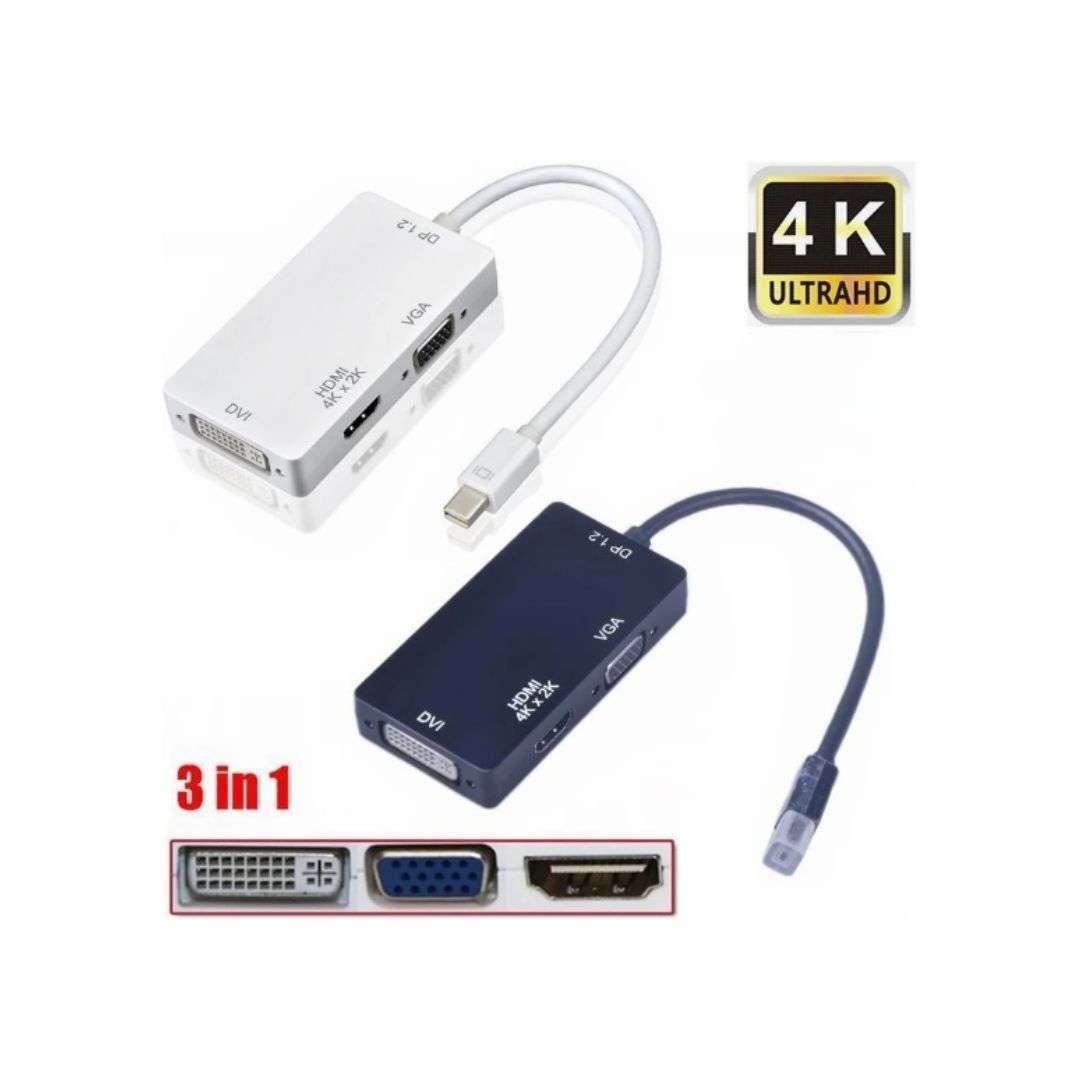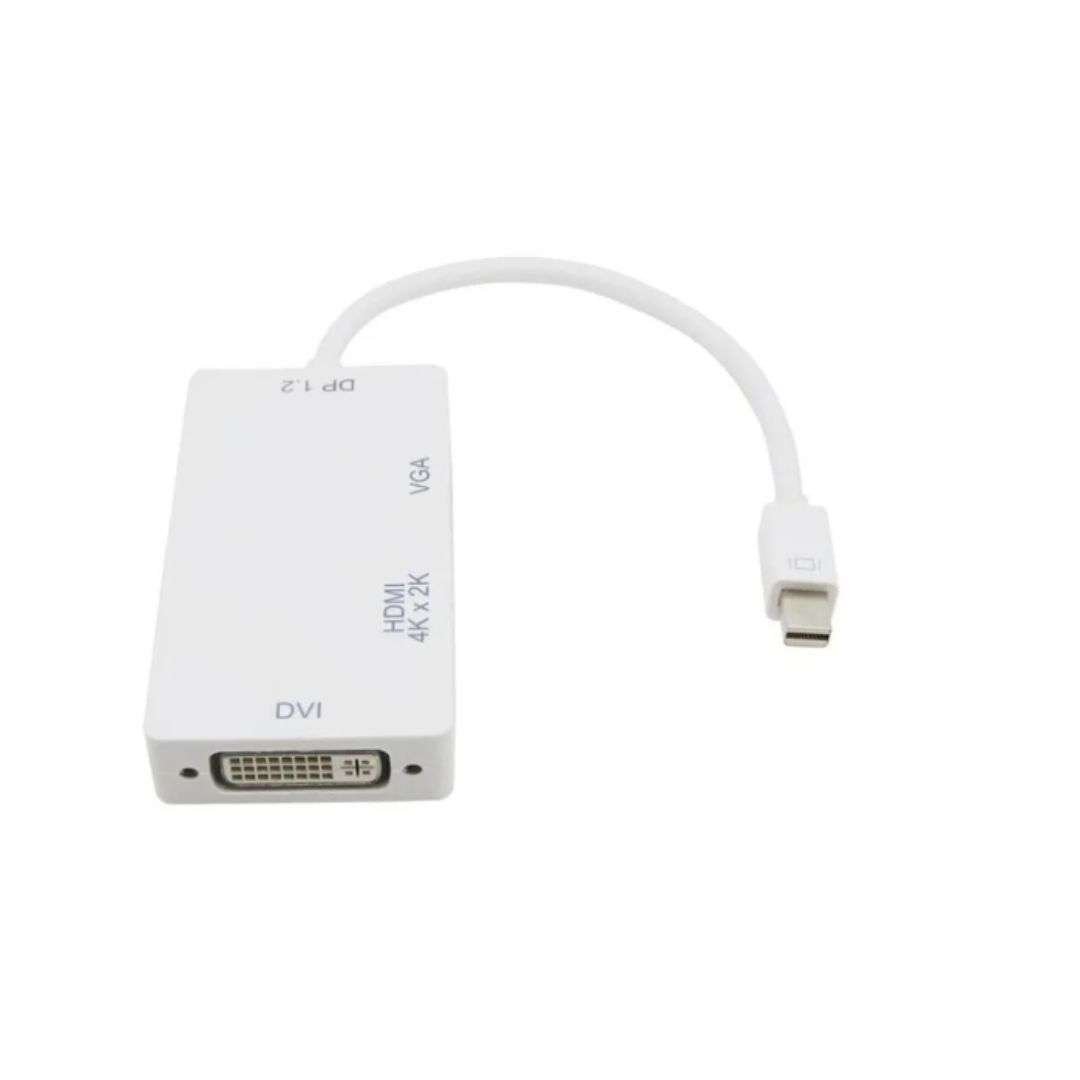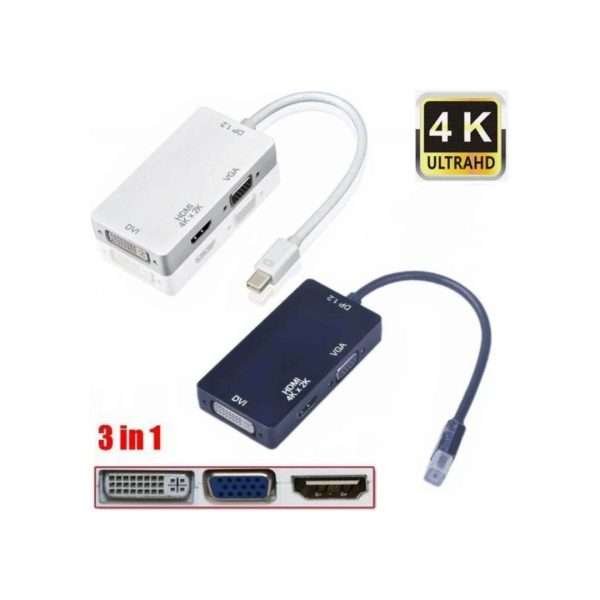

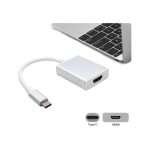
3 in 1 Mini DisplayPort/ thunderbolt Male to VGA/ DVI/HDMI 4K Cable Adapter

$ 31.11 inc VAT

16 People watching this product now!
5 Items sold in last week

Only 1 left in stock

1. Support mini display port 1.2a dual mode input.

2. The HDMI can support 4K audio output

3. Support HDMI/DVI/VGA output with the maximum resolution of 1920x1080p @ 60Hz, 225MHz/2.25Gbps per channel (6.75Gbps all channel), 12bit per channel (36bit all channel) deep color.

4. Auto detect the display by connecting and disconnecting it.

5. Activated from source output mini display.

Only 1 left in stock

Warranty: 7 Days

Description

The product seamlessly connects for MacBook, MacBook Pro, or MacBook Air with Mini DisplayPort to high resolution displays with HDMI, DVI or VGA. It is easy and convenient to use, with three output ports: DVI VGA HDMI. And you can use one of them at a time as your requirement, when you want to use DVI output, you just need to connect the DVI devices using DVI cable.

Characteristics:

1. Support mini display port 1.2a dual mode input.

2. The HDMI can support 4K audio output

3. Support HDMI/DVI/VGA output with the maximum resolution of 1920x1080p @ 60Hz, 225MHz/2.25Gbps per channel (6.75Gbps all channel), 12bit per channel (36bit all channel) deep color.

4. Auto detect the display by connecting and disconnecting it.

5. Activated from source output mini display.

Compatible models:

-For Apple MacBook, MacBook Pro, MacBook Air, iMac, Mac mini, Mac Pro;

-Microsoft Surface Pro/Pro 2/Pro 3 (not Surface for Windows RT);

– for Lenovo ThinkPad X1 Carbon, X230/X240s, L430/L440/L530/L540, t430/T440/T440s/T440p/T530/540p, W530/W540, coil;

– for Dell XPS 14/15/17, Latitude E7240/E7440, Duke M3800;

-Alienware 14/17/18;

-Acer Aspire R7/S7/V5/V7; Intel NUC; Asus Zenbook;

– for HP Envy 14/17; Google Chromebook Pixel;

-Cyberpower Zeusbook edge X6;

– For Toshiba Satellite Pro S500, Tecra M11/A11/S11

How to use it:

The product is easily and conveniently used, with three output ports: DVI VGA HDMI mini display port. And you can use one of them at a time as your requirement, when you want to use DVI output, you just need to connect the DVI devices using DVI cable. And when you want to use the HDMI output, you only need to connect the HDMI devices using an HDMI cable. When you want to use VGA output, you only need to connect the VGA devices using a VGA cable. The mini display port meed to connect Mac Book, Mac Book Pro, or Mac Book Air.

Customer Reviews

0 reviews
0
0
0
0
0

There are no reviews yet.

Only logged in customers who have purchased this product may leave a review.